

How to Book Your Car with Rentop
Guide in 1 Minute
Book in under 60 seconds.
No deposit options. Pay on delivery.
With Rentop, you reserve the exact car model shown. Real-time availability, clear conditions, and verified local partners.
How to Book Your Car with Rentop: A Step-by-Step Guide
Are you planning a trip soon and looking for a simple, transparent, and reliable car rental solution? Rentop is revolutionizing the industry by focusing on flexibility and customer security.
Whether you are looking for an affordable city car or a high-end luxury sedan, here is everything you need to know to successfully book your ride and hit the road with peace of mind.
Online Booking: Fast & Easy
Step 1: Create your account.
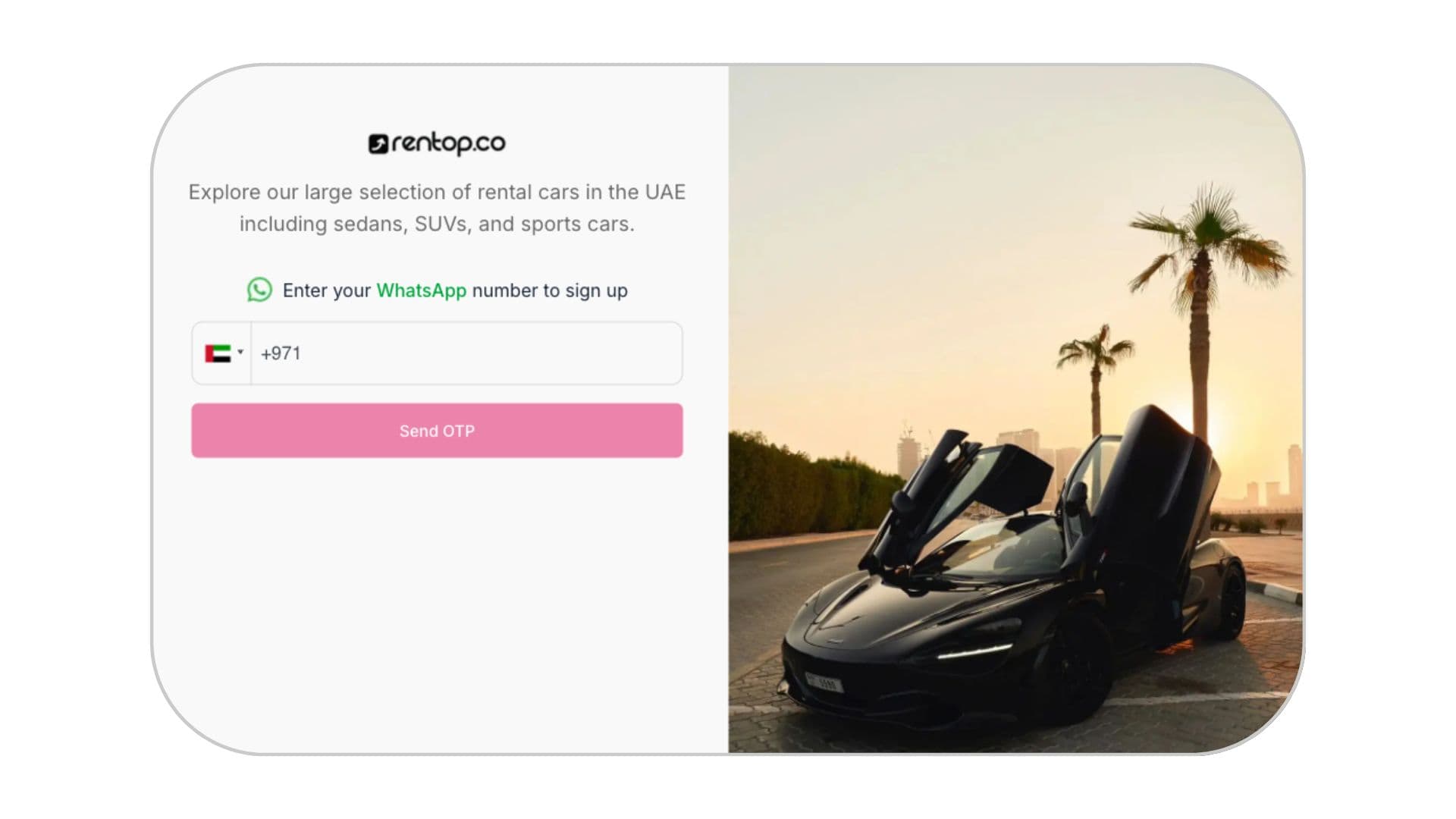
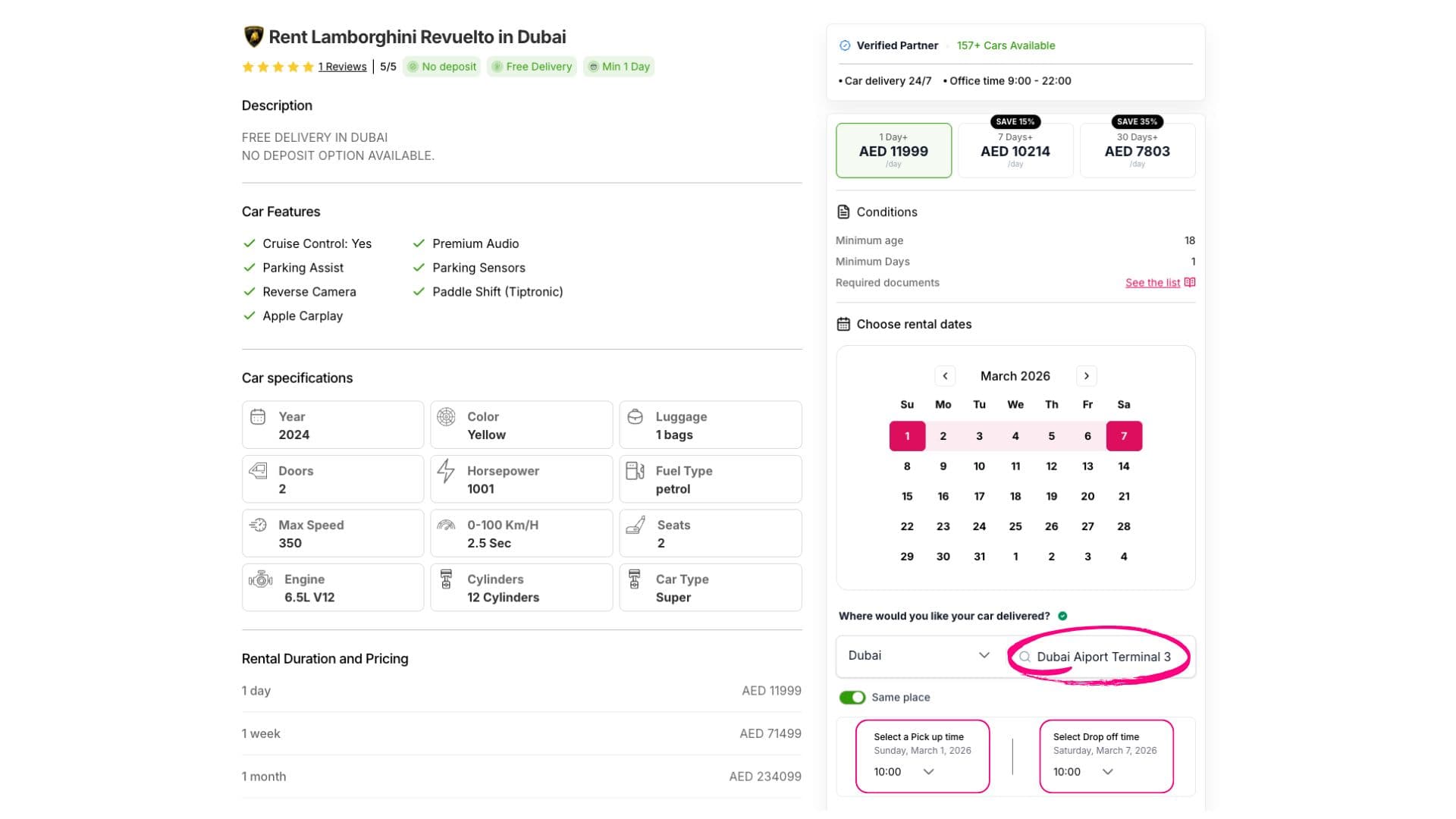
Step 2: Browse our catalog, choose your preferred car, and select your dates.
After choosing the car, enter the following information.
- Dates
- The delivery and return address (for example: airport, hotel, or your residence name).
- Pick up time
- Drop off time
Step 4: Complete the verification process.
Complete the verification process and confirm your booking.
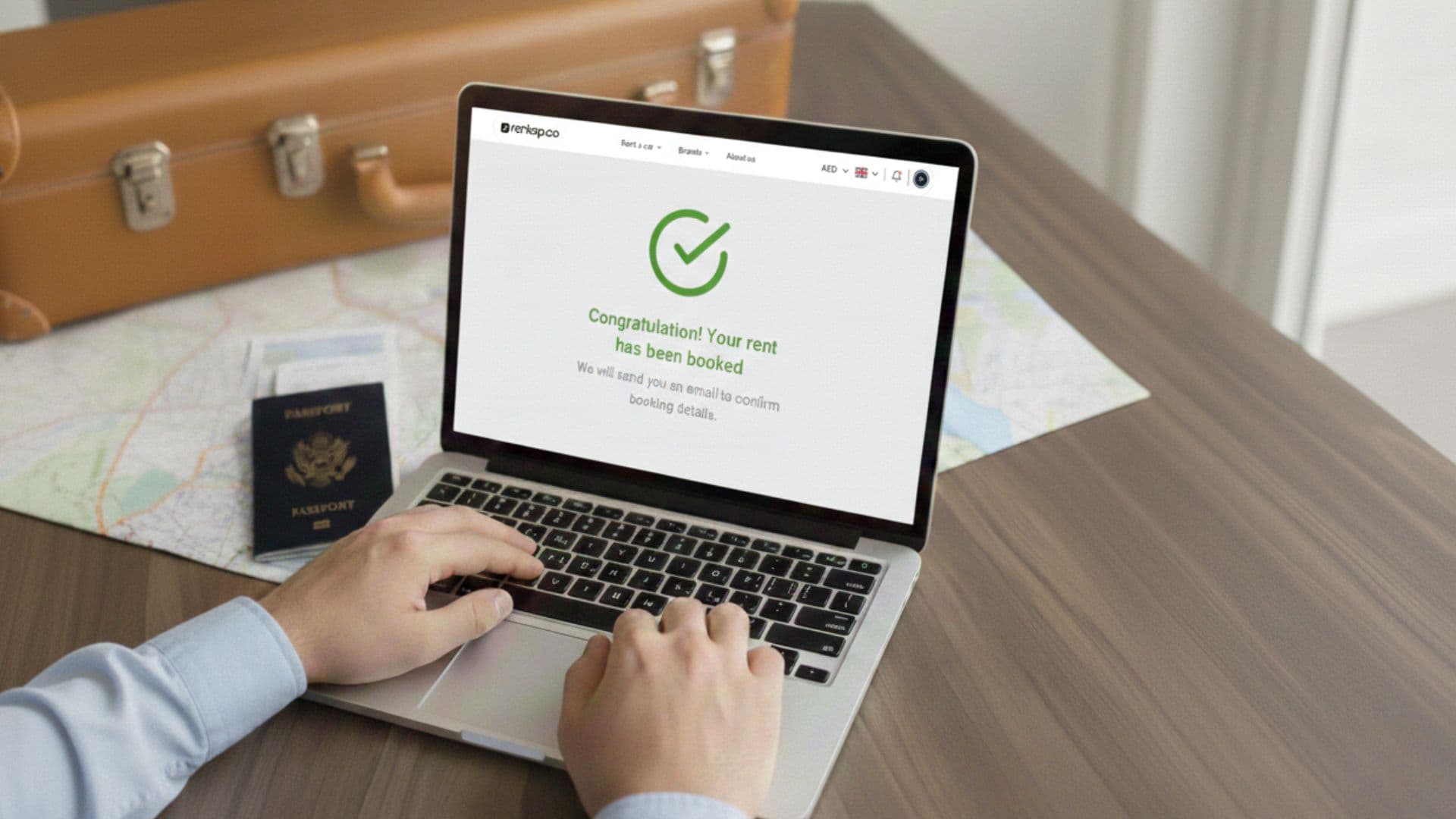
Once your booking is approved
Our delivery partner will contact you to arrange the vehicle handover, contract signing, and payment.
Written by Rentop Team
Providing verified automotive insights since 2024. Our content is reviewed by local experts to ensure accuracy.
